
Stop Chatting With AI. Start Putting It to Work.
A Vistage session with Ross Hartmann on hiring your first digital worker.
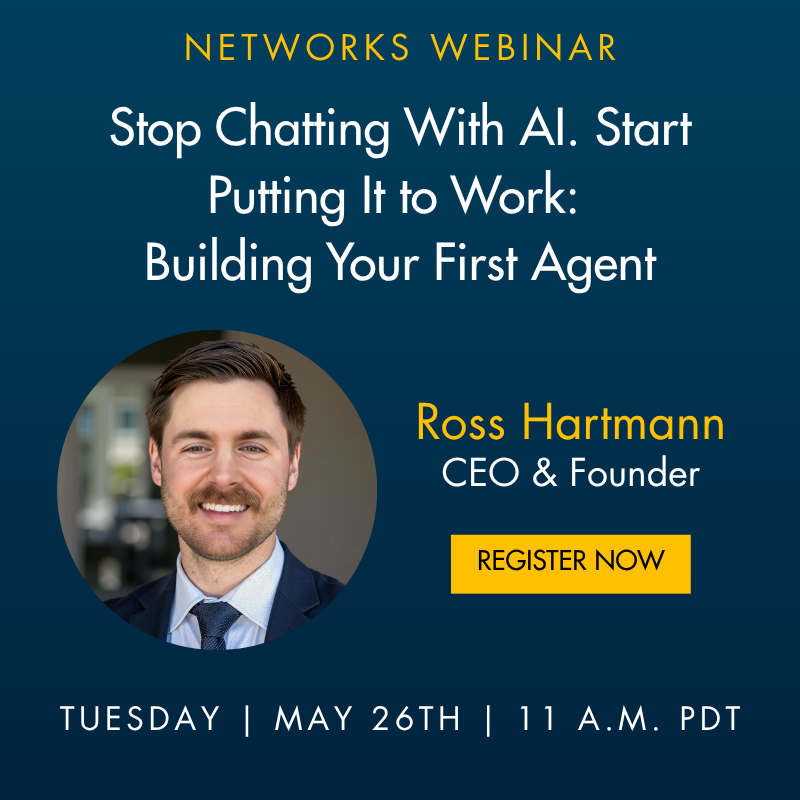
Building your first AI agent
One hour, one recurring task off your plate, with a person still reviewing the output.
No coding. I'll build live in Claude Cowork because the moving pieces are easy to see on screen, but the same logic works in any agent platform.
- Date
- May 26, 2026
- Time
- 11:00 AM Pacific
- Speaker
- Ross Hartmann, Founder and CEO, Kiingo AI
Most executives I talk with are fluent at chat by now. They can paste in background, sharpen a prompt, and walk away with a useful summary or rewrite. That habit is worth keeping. The recurring work is still sitting on someone’s calendar.
A working definition
An agent is a language model doing real-world work for you, instead of advising you how to do it.
That distinction is what the whole session turns on. ChatGPT is a smart consultant in a window. An agent is an employee. You onboard one the same way you onboard a human hire.
Hire it like an employee
A new employee shows up on day one and can’t do anything useful until you do three things. Give them access to your systems. Train them on how you work. Hand them real assignments on a schedule. Agents work the same way.
1. Give it access to your data
Email, calendar, CRM, files, call notes, the dashboard nobody opens. A new hire who can’t see your inbox can’t triage your inbox, and the agent is the same. The first setup work is plugging it into the systems where your context actually lives.
2. Train it with skills
A skill is the agent’s training manual. It’s a written set of instructions for one specific job: how you write a follow-up email, what counts as a stalled deal, what your Monday dashboard needs to include. Without skills, the agent guesses. With skills, it does the job your way.
3. Delegate with scheduled tasks
Chat is something you go to. An agent is something that shows up on a schedule with the work already done. Every Monday morning. Five minutes after every sales call. At 7:00 a.m. before your day starts. Scheduling is what turns a smart tool into a working employee.
Access, skills, delegation. If you can hire a person, you can hire one of these.
The learning loop is the whole game
This is the part most companies skip, and it’s the difference between an agent that actually works and a chatbot with extra steps.
When you delegate a task to an agent, it will get something wrong on the first run. The follow-up email misses the right tone. The dashboard includes numbers you don’t care about. The triage flags the wrong message as urgent.
That isn’t failure. That’s day one of the job.
You correct it the same way you’d correct a new hire, and then you tell the agent to save the correction as a skill. Now the agent has a written training manual it can read every time it does that task again. The next run starts from your correction, not from scratch.
Do the task, catch the mistake, give the correction, save it as a skill. Run that loop for a few weeks and the agent stops needing you for the parts it has already learned. This is the single most important thing I’ll show on screen during the session.
Jobs worth delegating
Pick something that comes back on a rhythm. These four show up in almost every executive’s week.
Inbox briefing
Scans unread mail, surfaces decisions, drafts the easy replies, flags what actually needs you.
Follow-up draft
Pulls call notes and CRM context, then drafts the follow-up email and the internal handoff.
Operating dashboard
Pulls the numbers and notes you already check into one view: pipeline, delivery risk, cash, hiring, open questions.
Exception monitor
Watches for stalled deals, unanswered client asks, weak meeting follow-through, commitments going stale.
The morning is different when the first version of the work is already there.
Is this a good first job to delegate?
Pick one task you already repeat. If most of these are true, it's a safer starting point.
Pick one recurring job. Check what is true for that job.
Want help scoping one of these for your company?
Book a scoping callWhat we’ll build live
I’ll hire a new digital worker on screen. Plug it into the data it needs. Write the first skill. Schedule the first delegated task. Then I’ll run the learning loop on a mistake in real time: show the agent doing the task wrong, correct it, save the correction as a skill, and run it again with the new training.
That last part is the whole point. Most people who try to build an agent stop after the first three steps. The ones who get useful agents are the ones who run the learning loop a dozen times in the first month.
The first 90 days
Treat it like onboarding any other new hire.
Hire
Pick one recurring job. Give the agent access to the data it needs. Write a first version of the skill. Run it once and look at what it produced.
Train
Run the learning loop. The agent does the job, you correct the misses, the corrections get saved as skills. Most of the value gets built in this phase. Skip it and the agent stays mediocre forever.
Delegate
Now schedule it. Let it run on its own rhythm. Keep reviewing the output, but stop building from scratch every time. You should be able to point at specific work it's doing that someone used to do manually.
The most common bad first attempt starts with the messiest job on your desk and skips the training. Start with the repeatable task you can judge quickly, and run the loop until the agent stops needing your corrections.
Bring a real job
If AI still feels like a side tab, the session should give you a better place to put it in your week.
Bring one recurring job you already do. You’ll leave with enough structure to hire your first digital worker.